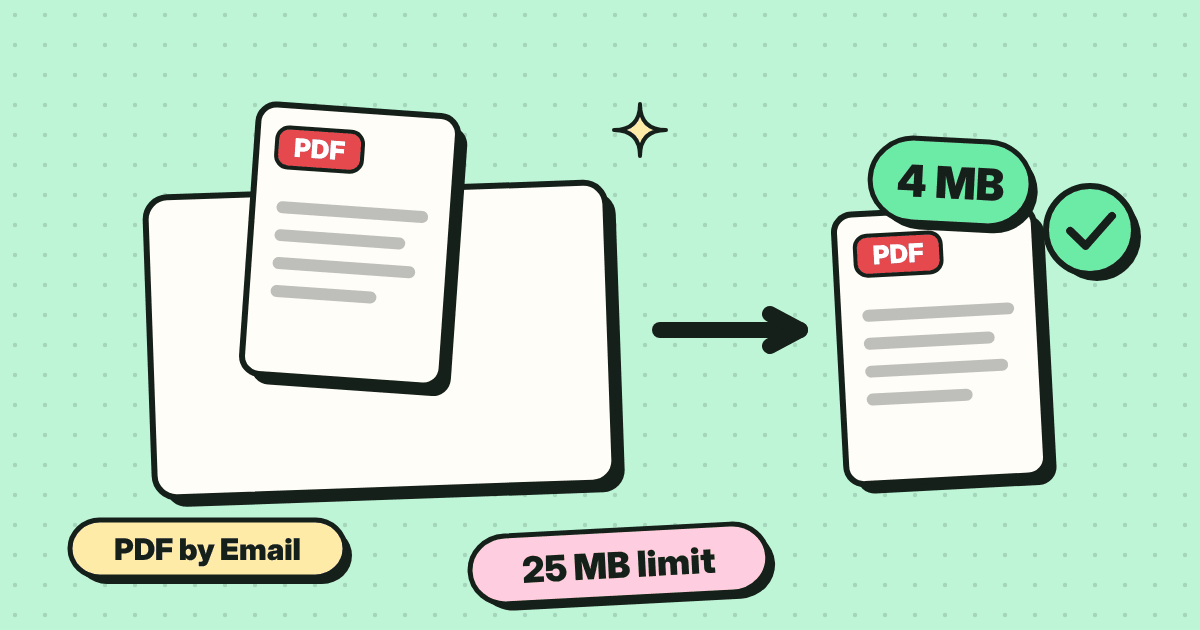
Gmail rejects attachments over 25 MB and Outlook.com over 20 MB. Most business mail servers are stricter and many stop at 10 MB. The number printed on the error message is also generous, which is why a 22 MB PDF can bounce from a 25 MB mailbox.
Why the real limit is lower
Email was built for text. Binary files such as PDFs are converted to text form before sending, and that conversion adds roughly a third to the size. A 19 MB PDF becomes about 26 MB on the wire and is refused by a server with a 25 MB cap. Treat the limit as about 70 percent of the stated number: aim for under 17 MB for Gmail and under 14 MB for Outlook.com, and under 7 MB when you do not know the other side.
1. Compress it
This is the quickest fix and the one that keeps the recipient's life simple. Open the PDF compressor, add the file and use Recommended. Scanned documents and files with photos often drop by 80 percent or more. If the mail provider has a hard ceiling, choose Exact size and pick a target such as 5 MB, then check the preview before you send.
2. Shrink the pictures first
When the PDF was made from photos, the pictures inside it are the weight. Resize and compress the original photos with the image compressor, then build the PDF again with Photo to PDF. It takes a minute longer, and the pages come out sharper than compressing a finished file hard.
3. Split the file
A 60 page report does not have to travel in one piece. Split it into two or three parts with the split tool and send one email per part, or one email with several attachments if the total stays under the limit. Name the files so they sort in order, such as report-part-1 and report-part-2.
4. Send a link instead
If the file has to stay at full quality, for print or for archive, upload it to cloud storage and share a link. The recipient downloads it directly and nothing is bounced. The trade-off is that the link needs to stay alive and the recipient needs to trust it, which some companies block.
What not to do
- Do not zip a PDF and expect it to shrink. PDFs are already compressed internally, so a ZIP saves almost nothing.
- Do not rename the file or change the extension to get past a filter.
- Do not send a screenshot of each page instead. It is usually bigger and the text can no longer be selected.
Common questions
Can I email a PDF larger than 25 MB in Gmail?
Not as an attachment. Gmail offers to share larger files through Google Drive, which sends a link. Compressing the PDF below the limit lets you keep it as a normal attachment.
Will the recipient see lower quality?
On screen the difference is usually invisible at the Recommended setting. Check small print and signatures in the preview before you send.