Study guides · 1 min
Study
FreeGATE Marks Calculator
Check your GATE score with negative marking, compare it with the cut-off and see how many marks you can still make up.
1. Choose your exam (optional)
Not on the list? Stay on General and type your own questions, marks and negative marking.
2. Enter your answers
Your saved attempts
Saved only on this device. Handy for tracking mock tests.
| Attempt | Score | Percent | Date |
|---|
About GATE Marks Calculator
GATE has 65 questions for 100 marks and the time allowed is 3 hours. Wrong answers lose marks, so your final score depends on how many you attempt and how many of those are right. Use the calculator at the top of this page, then read the details below to see how the score is made up.
The split of question types changes by paper, so edit the counts to match yours. MCQs lose 1/3 of a mark (1-mark) or 2/3 (2-mark). MSQ and NAT have no negative marking.
GATE marking scheme
| Section | Questions | Marks for a correct answer | Negative marking | Section total |
|---|---|---|---|---|
| 1-mark MCQ | 20 | 1 | -0.33 (1/3 of the question marks) | 20 |
| 2-mark MCQ | 20 | 2 | -0.67 (1/3 of the question marks) | 40 |
| 1-mark NAT and MSQ | 10 | 1 | None | 10 |
| 2-mark NAT and MSQ | 15 | 2 | None | 30 |
| Total | 65 | 100 |
How to calculate your GATE marks
Score = (correct x marks per correct) - (wrong x marks lost per wrong). Unattempted questions score zero. Example: a candidate attempts about 85% of the questions and gets 80% of those right.
| Section | Attempted | Correct | Wrong | Score |
|---|---|---|---|---|
| 1-mark MCQ | 17 | 14 | 3 | 13 |
| 2-mark MCQ | 17 | 14 | 3 | 26 |
| 1-mark NAT and MSQ | 9 | 7 | 2 | 7 |
| 2-mark NAT and MSQ | 13 | 10 | 3 | 20 |
| Total | 66 |
That gives 66 out of 100, which is 66%.
GATE score chart
Your approximate score for a given share of questions attempted (rows) and how many of them are correct (columns).
| Attempted | 100% correct | 90% correct | 80% correct | 70% correct |
|---|---|---|---|---|
| 100% | 100 | 89 | 76 | 65 |
| 90% | 91 | 80 | 67 | 60 |
| 80% | 80 | 69 | 62 | 50 |
| 70% | 71 | 64 | 54 | 47 |
Is guessing worth it?
For a 1-mark question with 0.33 lost for a wrong answer, a guess pays off only if you are more than 25% sure. If you can remove two of the four options, you are at 50%.
Other Engineering exams
Need a different pattern? Open the main exam marks calculator and change the questions, marks and negative marking to match your paper.
How to use GATE Marks Calculator
- Check that GATE is selected. The questions, marks and negative marking are already filled in.
- Enter how many questions you got correct and wrong in each section.
- Read your score, percentage and the gap to the cut-off, and type your cut-off to compare.
- Use the guess advice to decide which questions to attempt next time.
Frequently asked questions
How are GATE marks calculated?
Score = (correct answers x marks per correct answer) minus (wrong answers x marks lost per wrong answer). Unattempted questions score zero. Enter your correct and wrong answers in the calculator above and it does the sums for you.
What is the total number of questions and marks in GATE?
GATE has 65 questions for 100 marks and the time allowed is 3 hours in the pattern used by this calculator. Patterns are revised from time to time, so confirm with your official notification.
Is there negative marking in GATE?
Yes. The penalty is set section by section, see the marking scheme table above. Unattempted questions do not lose marks.
Should I guess in GATE?
A blind guess adds marks on average only when you are more than 25% sure of the answer. If you can remove two of four options, your chance is 50%, which is worth it when the break-even point is lower than that.
What is a safe score in GATE?
The cut-off changes every year and depends on the number of candidates, the difficulty of the paper and your category. Check the cut-off of recent years in the official notification or result, then type it into the cut-off box in the calculator to see how far you are from it.
More free tools
Guides about GATE Marks Calculator
Study guides · 2 min
JEE Main Marks Calculator: Score and Negative Marking
Study guides · 2 min
SSC CHSL Tier 1 Marks Calculation: Formula and Example
Study guides · 2 min
IBPS PO and SBI Prelims Marks Calculation with Negative Marking
Study guides · 1 min
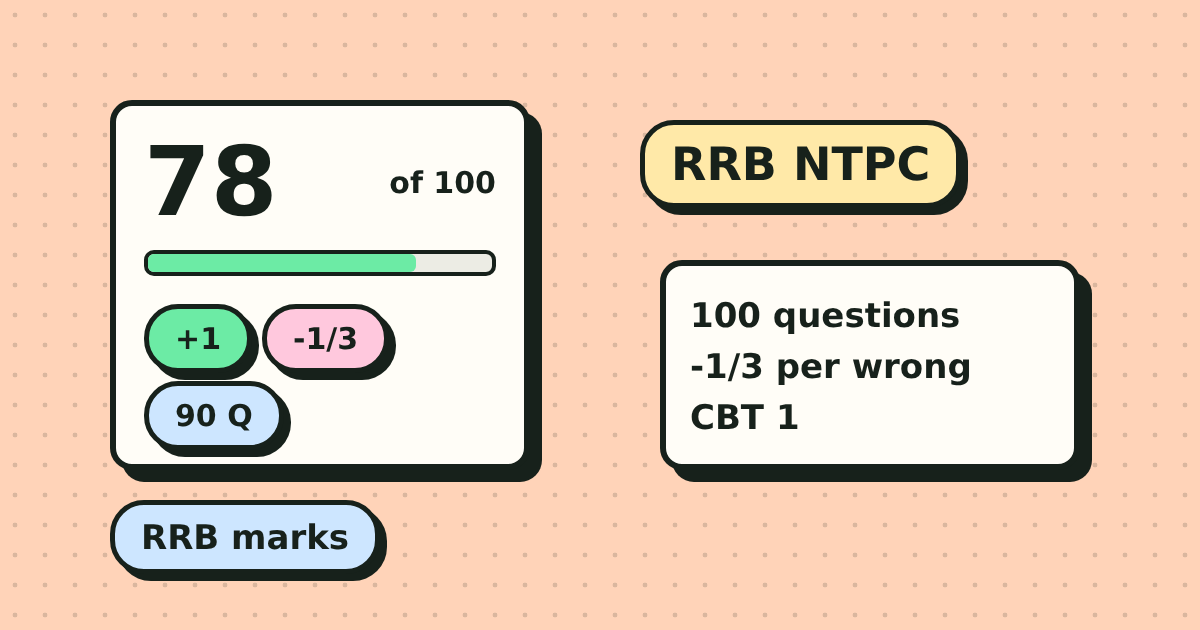
RRB NTPC CBT 1 Marks Calculation: Formula and Example
Study guides · 2 min
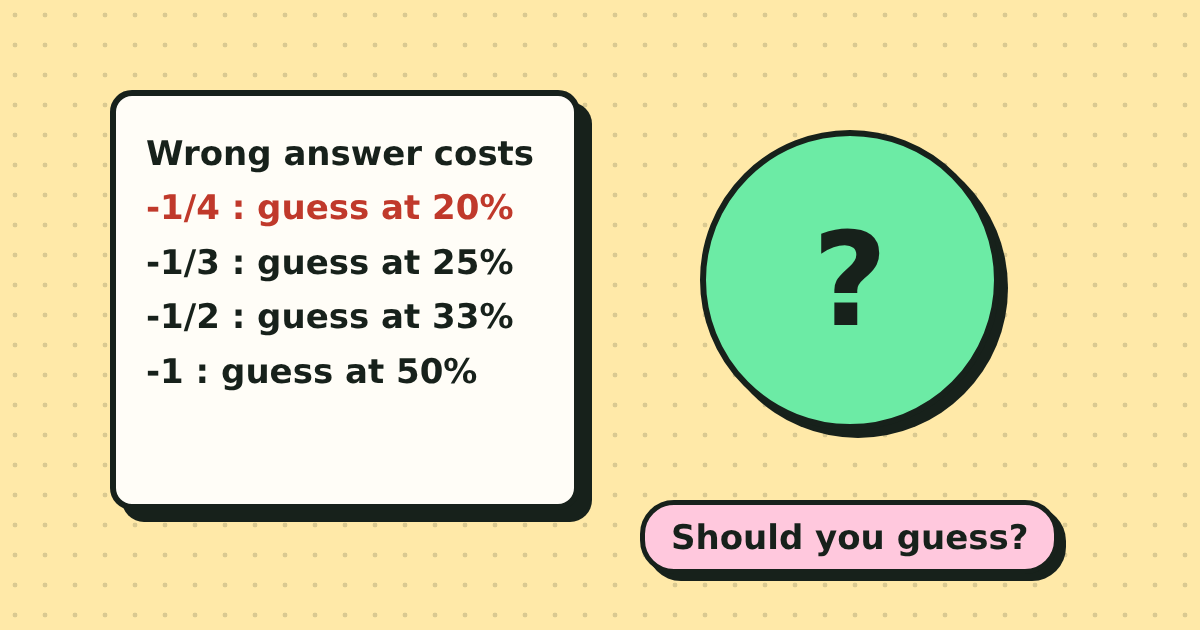
Should You Guess in Negative Marking Exams? The Break-Even Rule
Study guides · 1 min
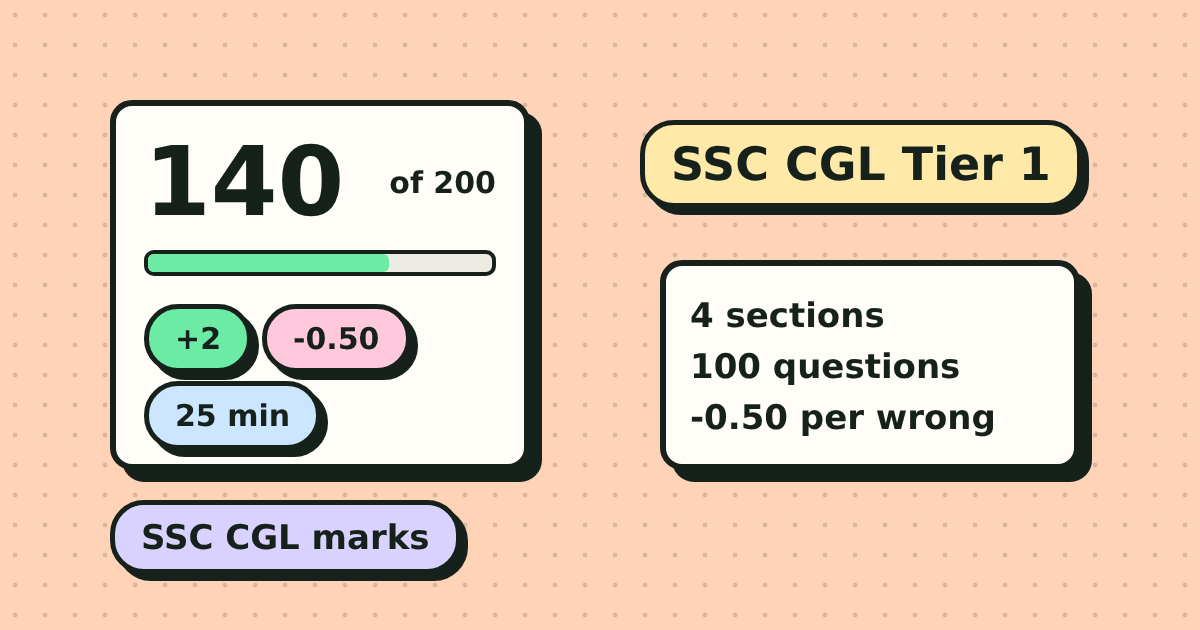
SSC CGL Tier 1 Marks Calculation: Formula and Example
Study guides · 1 min
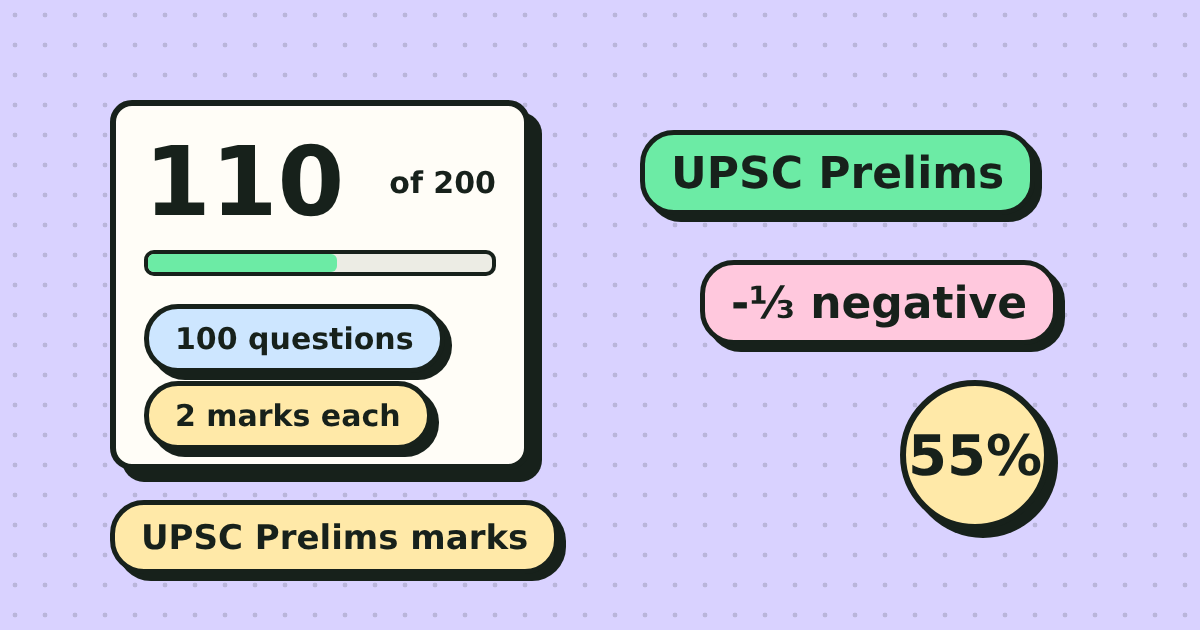
How to Calculate UPSC Prelims Marks (GS and CSAT)
Study guides · 2 min