PDFガイド · 読了4分
How to Convert a Photo to PDF on iPhone and Android
Four ways to turn a photo into a PDF on an iPhone or an Android phone, with steps for combining many photos into one file.
ブログ
PDFファイルの編集、署名、入力、結合、軽量化の方法です。
Four ways to turn a photo into a PDF on an iPhone or an Android phone, with steps for combining many photos into one file.
Sejdaの代わりをお探しですか?ブラウザ側のエディターが得意なこと、Sejdaが優れている点、使い分け方を正直に比較します…
Number every page and stamp a word like DRAFT or CONFIDENTIAL across the document. Pick a style and position, then save.
Make a PDF small enough to email. What makes files big, the quick fix, and the trade-off between size and sharpness.
Save one page, a range or every page as its own file. Two simple ways: extract pages, or split into a ZIP.
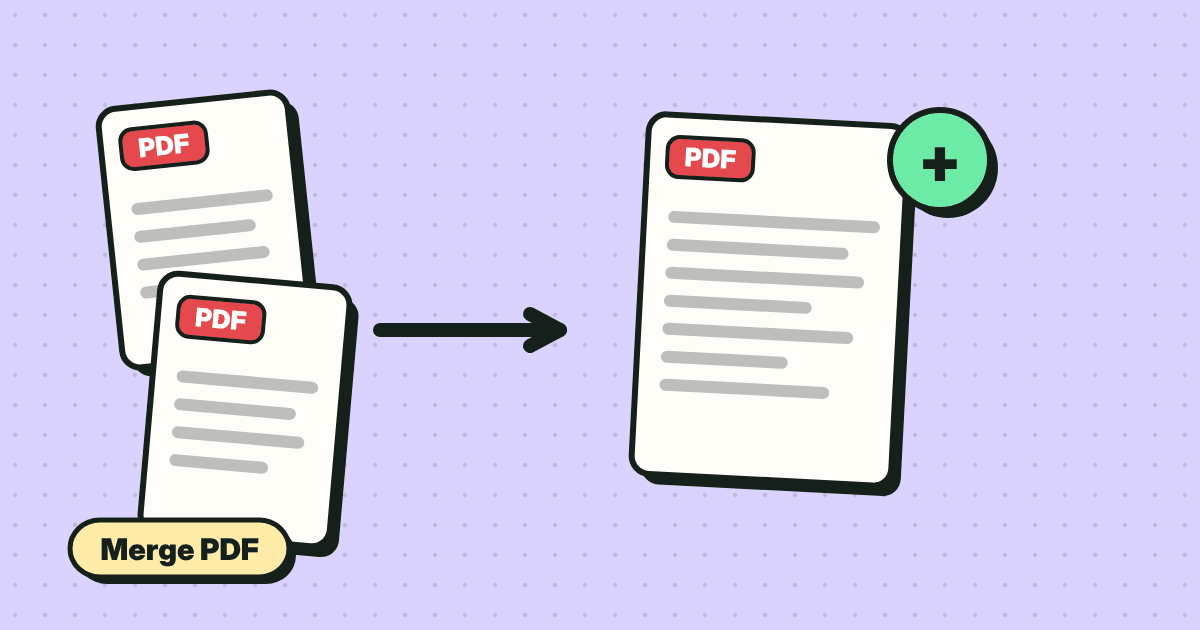
Combine several PDFs and images into one file, in the order you want. Reorder pages by dragging, then save.
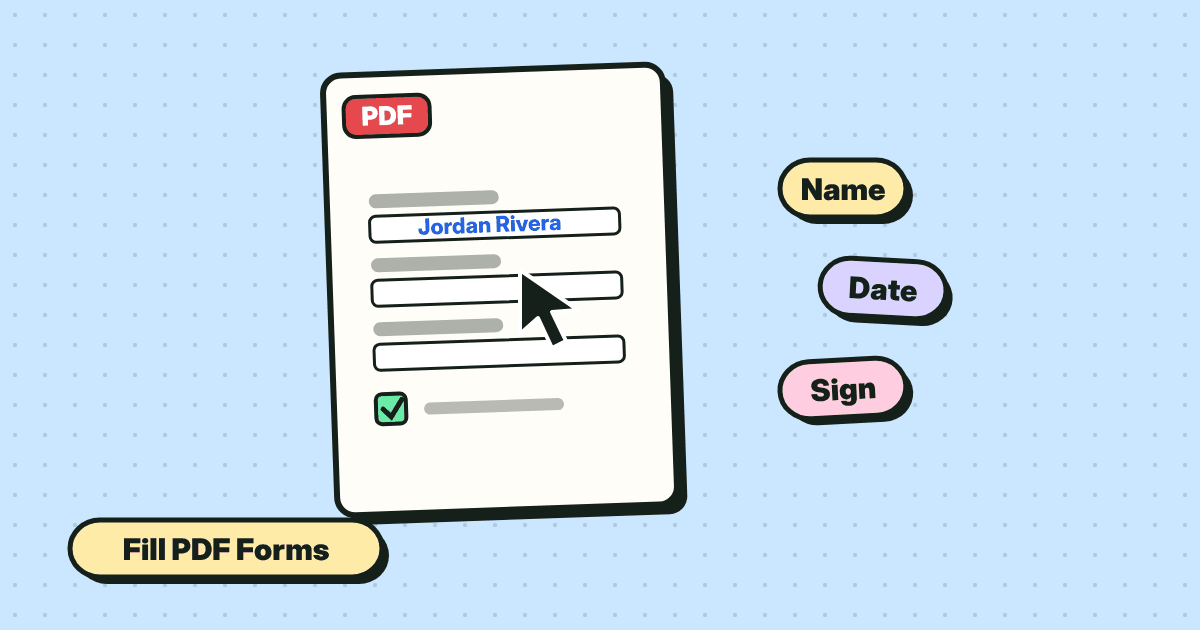
Type into form fields, tick boxes and save. Plus what to do when a PDF form is flat and has no fields at all.
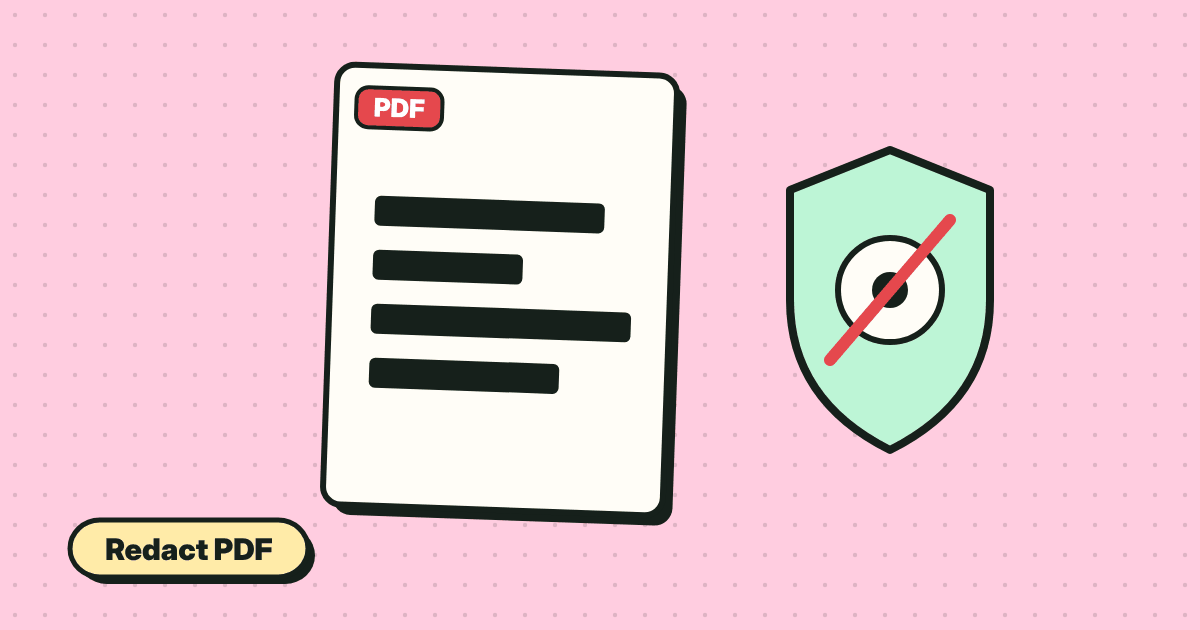
黒い四角は、その下の文字をコピーすれば誰でも取り除けます。PDFの個人情報を本当に隠す方法…
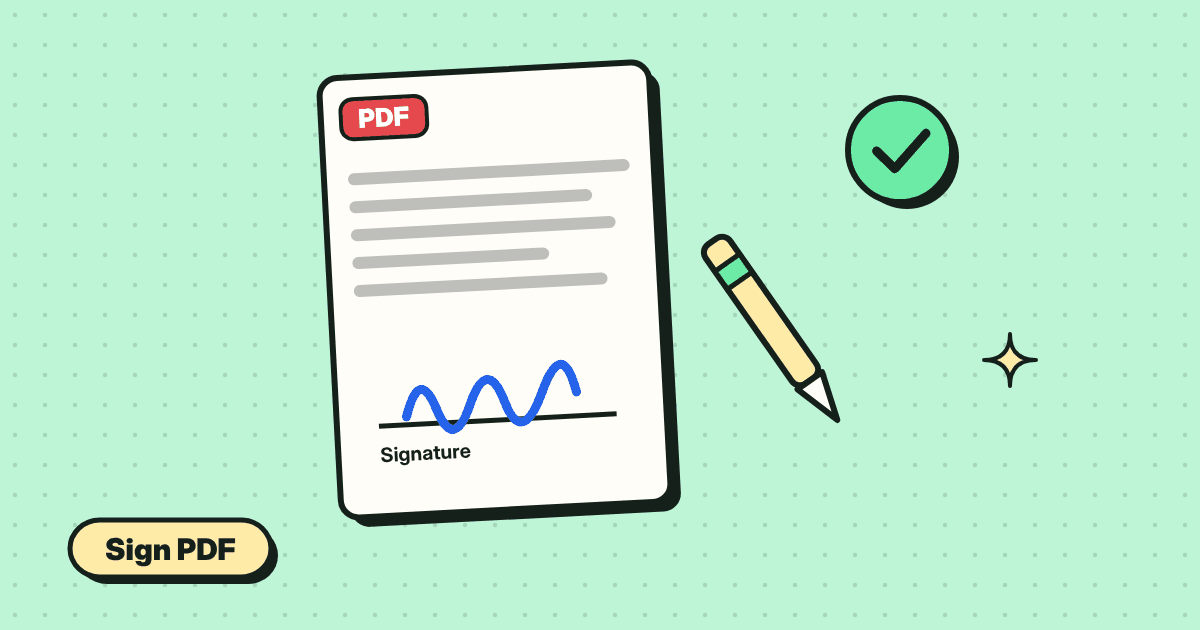
Add your signature to a PDF in under a minute. Draw it, type it or upload a picture, place it, and save. No account, no printing.