PDF 指南 · 阅读约 4 分钟
How to Convert a Photo to PDF on iPhone and Android
Four ways to turn a photo into a PDF on an iPhone or an Android phone, with steps for combining many photos into one file.
博客
如何编辑、签名、填写、合并和压缩 PDF 文件。
Four ways to turn a photo into a PDF on an iPhone or an Android phone, with steps for combining many photos into one file.
想找 Sejda 的替代品?这里客观对比了浏览器端编辑器的优势、Sejda 更强的地方,以及如何选择…
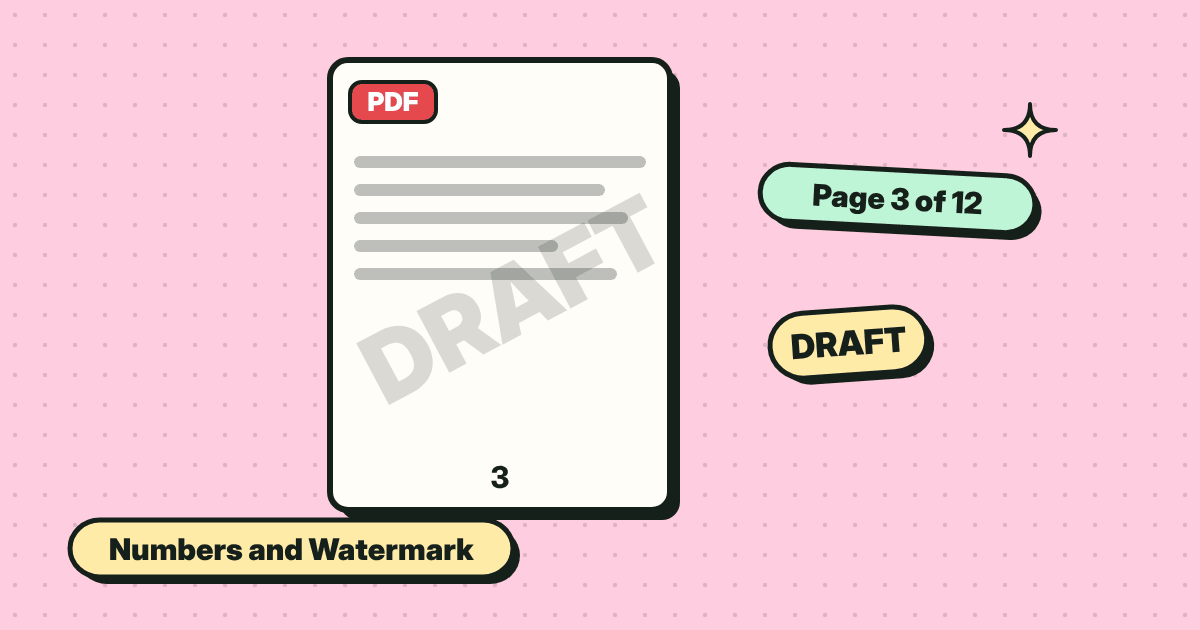
Number every page and stamp a word like DRAFT or CONFIDENTIAL across the document. Pick a style and position, then save.
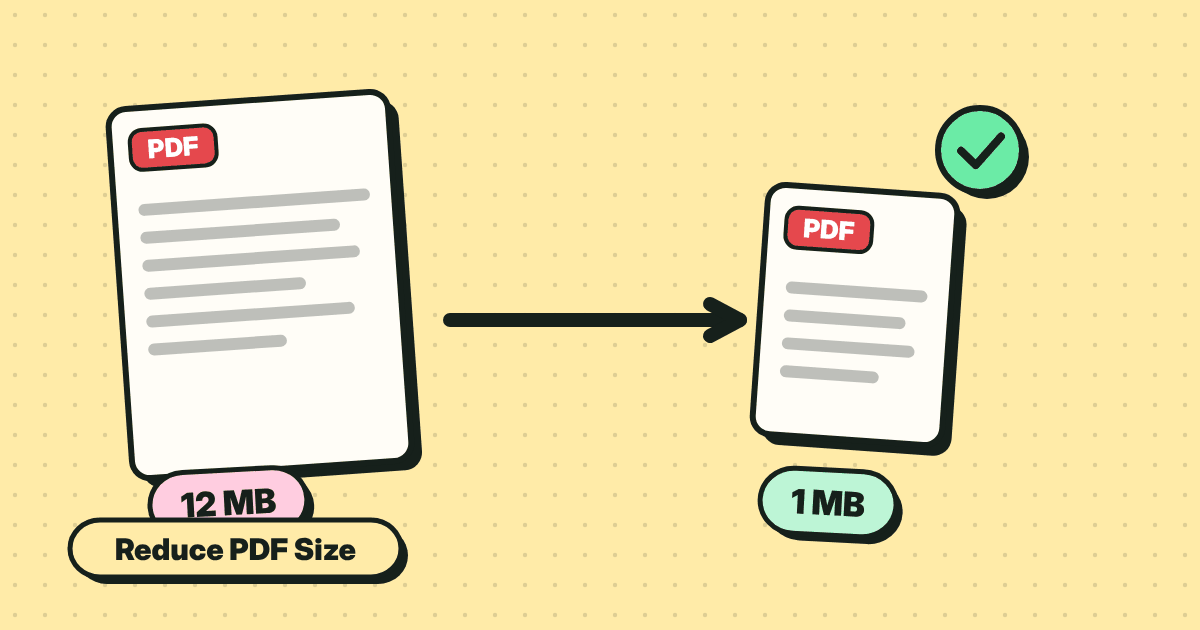
Make a PDF small enough to email. What makes files big, the quick fix, and the trade-off between size and sharpness.
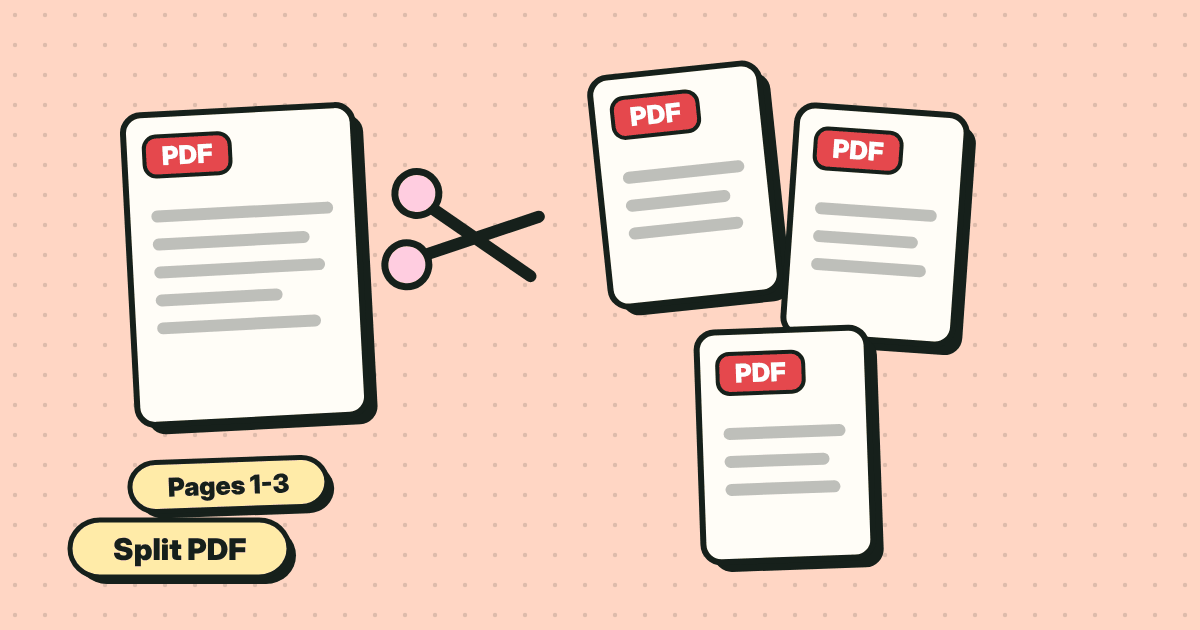
Save one page, a range or every page as its own file. Two simple ways: extract pages, or split into a ZIP.
Combine several PDFs and images into one file, in the order you want. Reorder pages by dragging, then save.
Type into form fields, tick boxes and save. Plus what to do when a PDF form is flat and has no fields at all.
黑色矩形可以被人复制下面的文字而去掉。如何真正隐藏 PDF 中的隐私信息…
Add your signature to a PDF in under a minute. Draw it, type it or upload a picture, place it, and save. No account, no printing.