Руководства по PDF · 4 мин чтения
How to Convert a Photo to PDF on iPhone and Android
Four ways to turn a photo into a PDF on an iPhone or an Android phone, with steps for combining many photos into one file.
Блог
Как редактировать, подписывать, заполнять, объединять и сжимать PDF-файлы.
Four ways to turn a photo into a PDF on an iPhone or an Android phone, with steps for combining many photos into one file.
Ищете альтернативу Sejda? Честное сравнение: что хорошо умеет онлайн-редактор, в чём Sejda сильнее и как выбрать…
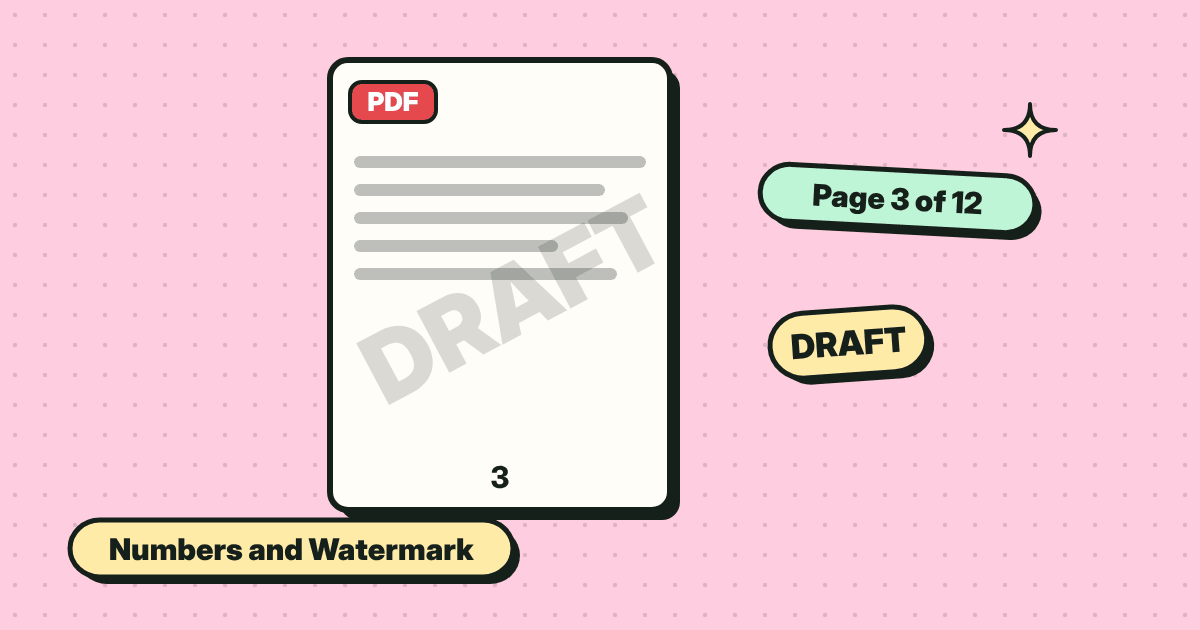
Number every page and stamp a word like DRAFT or CONFIDENTIAL across the document. Pick a style and position, then save.
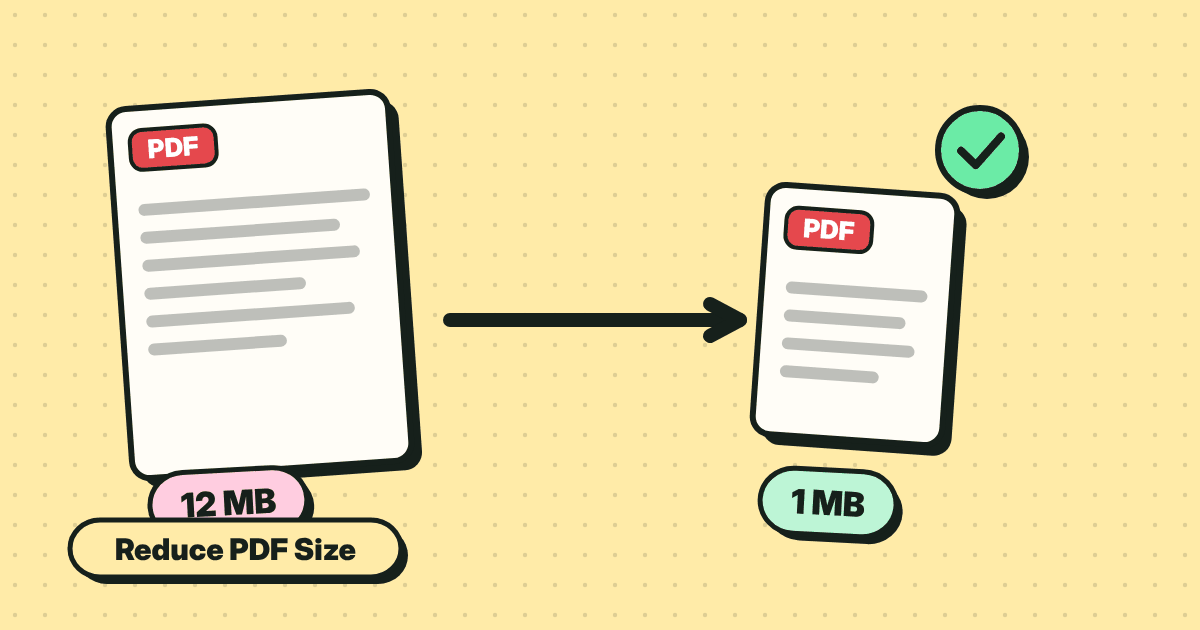
Make a PDF small enough to email. What makes files big, the quick fix, and the trade-off between size and sharpness.
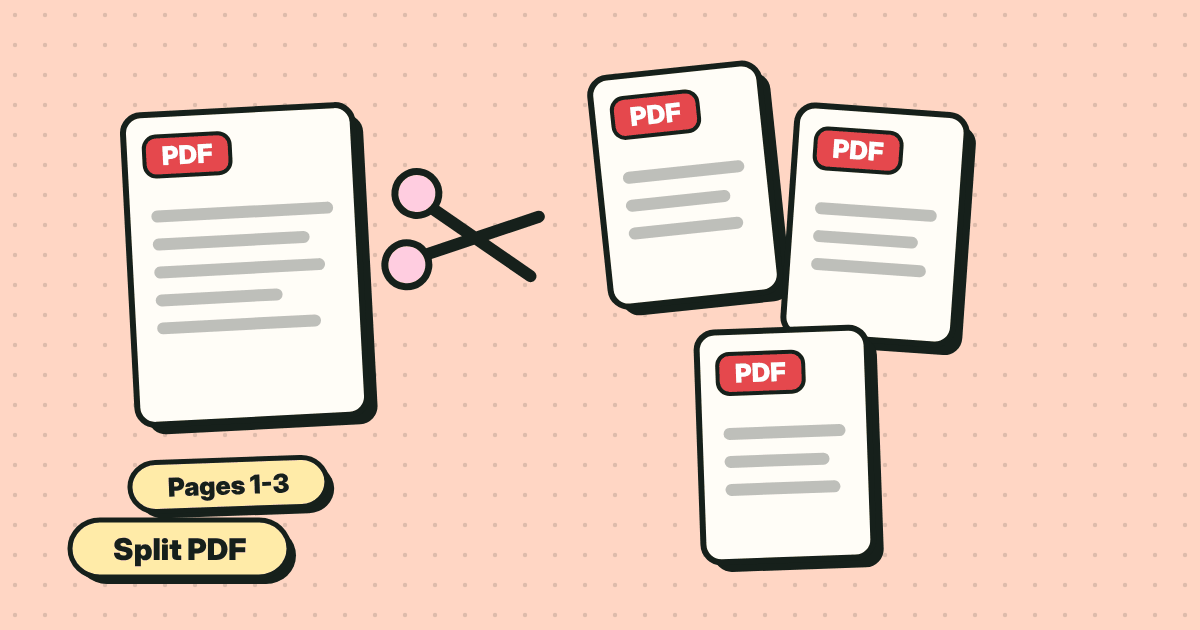
Save one page, a range or every page as its own file. Two simple ways: extract pages, or split into a ZIP.
Combine several PDFs and images into one file, in the order you want. Reorder pages by dragging, then save.
Type into form fields, tick boxes and save. Plus what to do when a PDF form is flat and has no fields at all.
Чёрный прямоугольник легко убрать: достаточно скопировать текст под ним. Как скрыть личные данные в PDF по-настоящему…
Add your signature to a PDF in under a minute. Draw it, type it or upload a picture, place it, and save. No account, no printing.